Sony DualSense Wireless Controller
Native PlayStation symbol alignment, wide-travel L2/R2 triggers, and low-latency USB-C or Bluetooth input handled through KytyPS5's bundled SDL3 backend.
KytyPS5 ships experimental macOS-x86_64.zip builds for Apple Silicon Macs (M1, M2, M3, and M4). Both the emulator and guest PlayStation 5 x86-64 game code run under Apple's Rosetta 2 translator while a bundled, ad-hoc signed libMoltenVK.dylib maps Vulkan calls to Metal.
Generate launch commands for KytyPS5.app or the flat kyty_emulator binary, including optional SDL_VULKAN_LIBRARY overrides when testing newer MoltenVK snapshots.
Generated launch command
D:\KytyPS5\kyty_emulator.exe --game "D:\PS5Games\PPSA01341.zar"Platform environment & storage layout
# Dedicated Secondary SSD Layout (eliminates Windows C:\ NTFS Defender shader-pool locks)
D:\KytyPS5\kyty_launcher.exe
D:\KytyPS5\kyty_emulator.exe
D:\PS5Games\PPSA01341\eboot.bin
Keep both KytyPS5 and your game library off C:\ so Windows Defender real-time NTFS indexing does not stall asynchronous SPIR-V shader writes.
Why is KytyPS5 macOS marked experimental even on high-end M3 Max and M4 Pro machines with 48 GB unified memory? The bottleneck is not CPU speed: it is mandatory Vulkan 1.3 hardware capabilities checked in vulkanWindow.cpp:966.
| Vulkan Feature Checked in vulkanWindow.cpp | Metal / MoltenVK Status | Impact on PS5 Titles |
|---|---|---|
imageViewMinLod (minLod) | Missing on several Metal tier paths | Causes immediate exit code 65 during device suitability check in titles like Astro Bot (PPSA21567). |
shaderBufferInt64Atomics | Unsupported on standard MoltenVK buffer paths | Blocks RDNA 2 compute shaders that rely on 64-bit atomic buffer operations. |
shaderCullDistance | Limited Metal vertex/clip translation | Halts pipeline creation when guest Prospero shaders emit explicit cull-distance arrays. |
| JIT Code Execution Entitlements | Supported via Rosetta 2 + ad-hoc signing | Prebuilt archives and CMake builds automatically re-sign kyty_emulator with required JIT entitlements. |
When a game requests unsupported features on Apple Silicon, KytyPS5 prints the exact missing flags before guest execution starts:
--- Error ---
Could not find suitable device:
  Apple M4 Pro: image view minLod is not supported; shaderBufferInt64Atomics is not supported; shaderCullDistance is not supported in src/graphics/presentation/window/vulkanWindow.cpp:966
Lightweight PPSA titles that do not trigger mandatory 64-bit buffer atomics or cull distances have already been verified in-game on Apple Silicon hardware.
If you compile from source on macOS instead of using prebuilt release archives, avoid the Homebrew Qt trap: Homebrew's Qt formula is arm64-only and fails to link against KytyPS5's -DCMAKE_OSX_ARCHITECTURES=x86_64 target.
Install Xcode Command Line Tools, Homebrew CMake/Ninja/glslang, and the universal Qt 6 installer (Concurrent, Network, Widgets with x86_64 slices):
softwareupdate --install-rosetta
brew install cmake ninja glslang python
git submodule update --init --recursive
cmake -S . -B _Build/macos -G Ninja -DCMAKE_BUILD_TYPE=Release \
  -DCMAKE_OSX_ARCHITECTURES=x86_64 \
  -DCMAKE_C_COMPILER=clang -DCMAKE_CXX_COMPILER=clang++ \
  -DCMAKE_PREFIX_PATH="$Qt6_DIR"
cmake --build _Build/macos --target launcher --parallel
cmake --install _Build/macos --prefix _Build/macos/installDownload MoltenVK-macos.tar from KhronosGroup/MoltenVK, copy libMoltenVK.dylib next to flat kyty_emulator and into KytyPS5.app/Contents/Frameworks/, then sign:
codesign --force --sign - _Build/macos/install/libMoltenVK.dylib
codesign --force --sign - _Build/macos/install/KytyPS5.app/Contents/Frameworks/libMoltenVK.dylib
codesign --force --sign - _Build/macos/install/KytyPS5.appUpstream telemetry shows secondary NVMe SSDs eliminate Windows C:\ shader-pool thread locks, while KytyPS5's bundled SDL3 layer reads DualSense and 1000 Hz X-Input controllers natively.
Native PlayStation symbol alignment, wide-travel L2/R2 triggers, and low-latency USB-C or Bluetooth input handled through KytyPS5's bundled SDL3 backend.
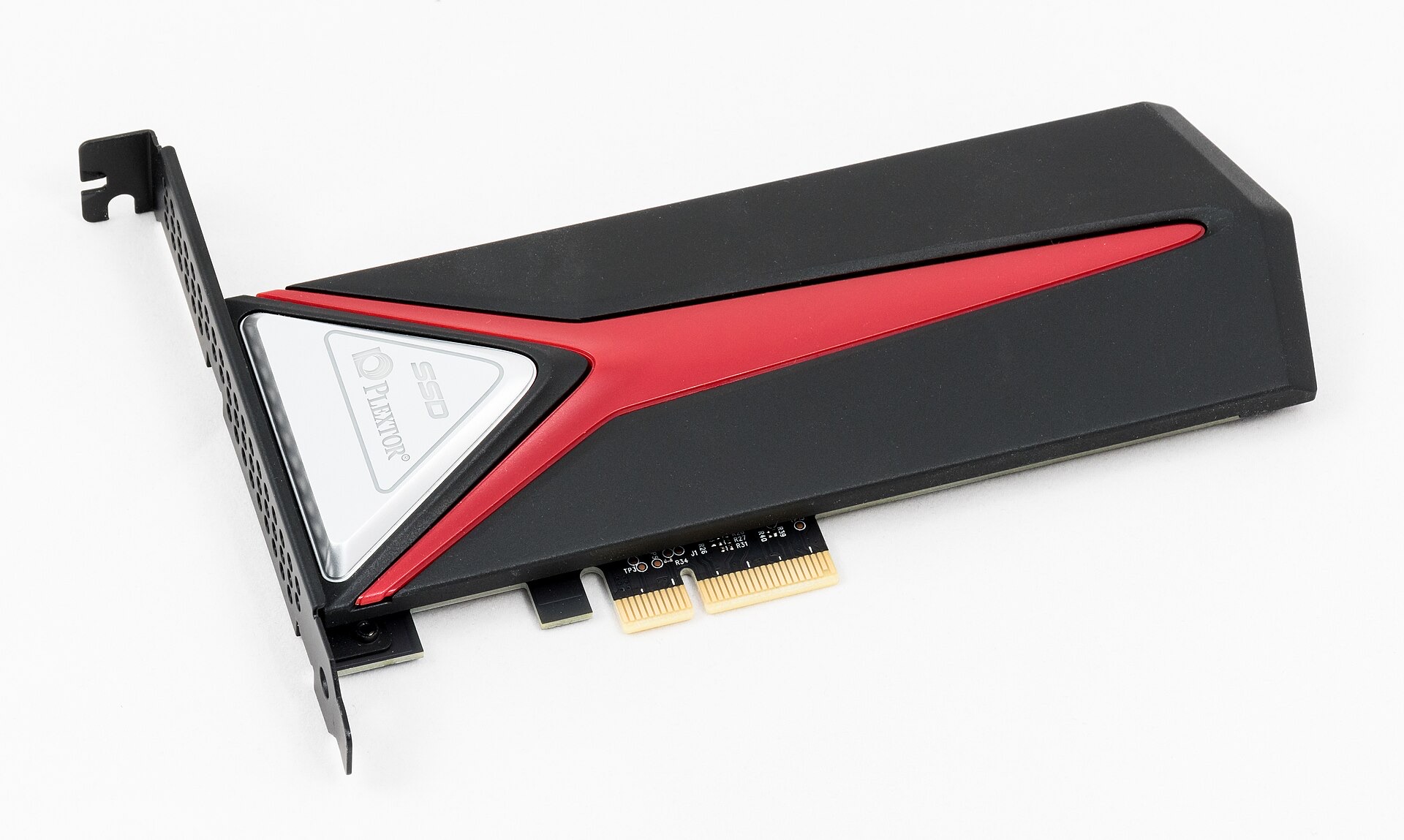
Dedicated secondary M.2 NVMe drive up to 7,450 MB/s so background SPIR-V shader pool writes bypass Windows C:\ NTFS Defender lockups documented in Demon's Souls testing.
High-IOPS PCIe Gen4 storage built for streaming large read-only ZArchive (.zar) packages and multi-title PPSA directories without asset-loading hitches.
Drift-free Hall-effect joysticks and triggers, 1000 Hz 2.4G adapter, and extra R4/L4 bumpers with plug-and-play SDL3 udev hotplug on Windows and Linux.
Affiliate disclosure: As an Amazon Associate, kytyemulator.wiki earns from qualifying purchases at no added cost to you.
Direct engineering answers grounded in the GPL-2.0 KytyPS5 repository and community test reports.
No. Every KytyPS5-*-macOS-x86_64.zip release archive already bundles an ad-hoc signed libMoltenVK.dylib both inside KytyPS5.app/Contents/Frameworks/ and next to the flat kyty_emulator binary.
Upstream requirements specify macOS on Apple Silicon with Rosetta 2. Older Intel Macs lack modern Metal 3 / MoltenVK feature coverage needed by the RDNA 2 renderer.
Pass SDL_VULKAN_LIBRARY=/custom/path/libMoltenVK.dylib ./kyty_emulator --game "/path/to/Game" in Terminal.
KytyPS5 compiles as an x86_64 binary on macOS so guest PS5 x86-64 instructions share the same Rosetta 2 process space. Homebrew bottles on Apple Silicon only contain arm64 binaries; use the Qt Group universal macOS installer instead.